
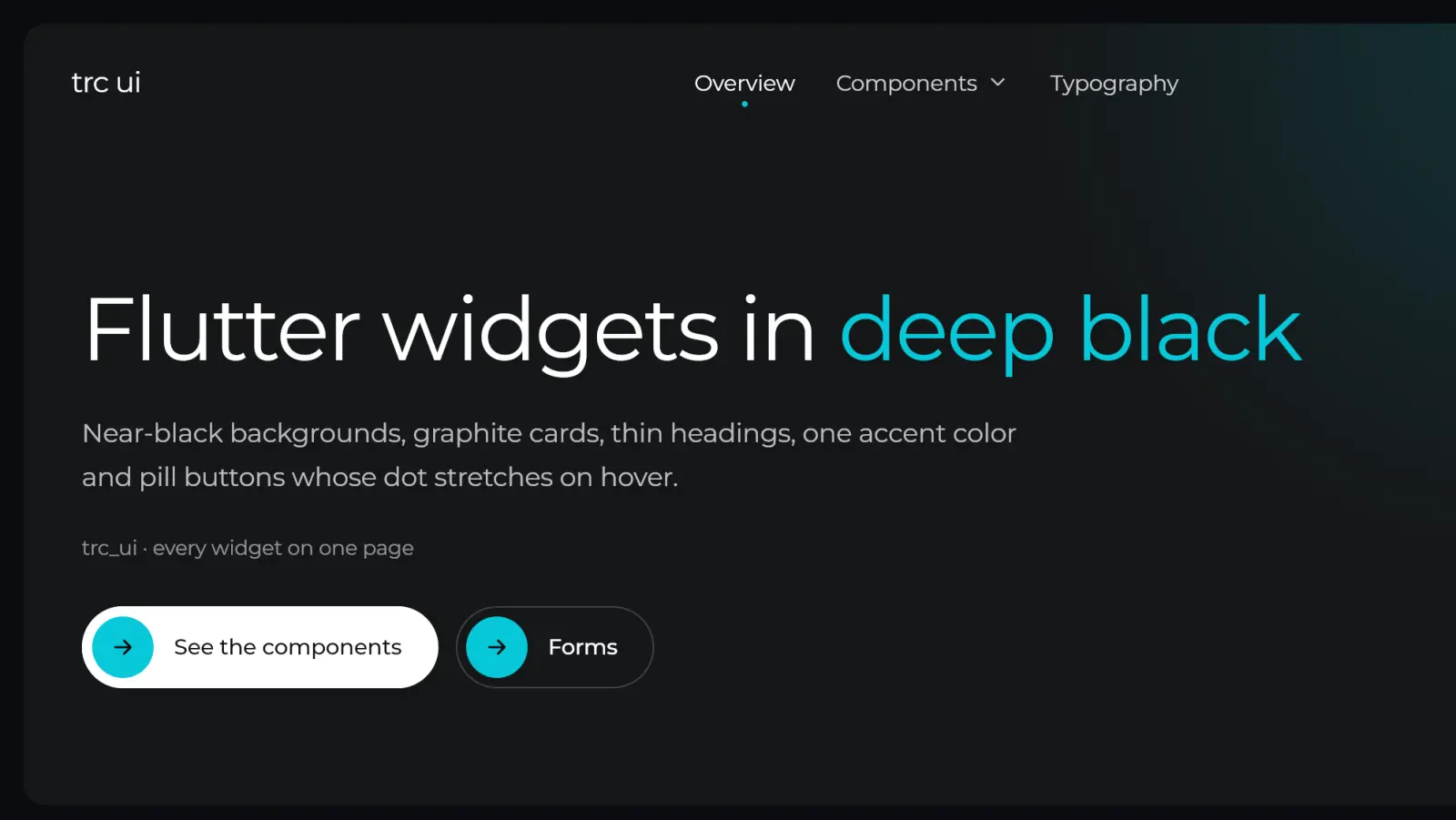
After the React version, trc ui comes to Flutter. The trc_ui package is published on pub.dev under the MIT license. It brings the same "deep black" style to your Android, iOS, web, macOS, Windows and Linux apps: near-black backgrounds, graphite cards, thin Montserrat headings, a single accent color and pill buttons whose dot stretches on hover.
Why a Flutter port
We build a lot of mobile apps with Flutter. Sharing one visual language between the website and the app means a more consistent brand and less time spent redrawing the same components. trc_ui follows the principles of the React version:
- Sober. Near-black backgrounds, graphite cards, one accent color. Depth comes from shades of grey, not shadows.
- Thin. Light Montserrat headings, bundled with the package, with one accent word per title.
- Alive. Pills that stretch, cards that wake up on hover, a header that blurs as you scroll, a bottom bar whose pill slides.
- Accessible. Semantics on every control, keyboard focus and arrow keys on desktop and web, reduced motion respected and every built-in text translatable.
- Light. No dependency besides Flutter.
Installation
trc_ui requires Flutter 3.32 or later.
flutter pub add trc_uiSetup
Give your MaterialApp the trc theme, and place the TrcToaster once if you use toasts:
import 'package:flutter/material.dart';
import 'package:trc_ui/trc_ui.dart';

void main() => runApp(const App());

class App extends StatelessWidget {
  const App({super.key});

  @override
  Widget build(BuildContext context) {
    return MaterialApp(
      theme: const TrcThemeData().toMaterialTheme(),
      builder: (context, child) => TrcToaster(child: child!),
      home: const HomePage(),
    );
  }
}
toMaterialTheme() builds a dark Material theme in the trc style: the accent as primary color, flat graphite surfaces and Montserrat. The trc widgets and the Material widgets you keep look alike.
First widgets
As in React, the words between asterisks take the accent color:
Column(
  crossAxisAlignment: CrossAxisAlignment.start,
  children: [
    const TrcHeading('Welcome to *deep black.*', level: 1, size: TrcHeadingSize.display),
    const SizedBox(height: 24),
    const TrcText('The words between asterisks take the accent color.', size: TrcTextSize.lg),
    const SizedBox(height: 32),
    TrcPillButton(label: 'Get started', solid: true, onPressed: () {}),
  ],
)
The catalogue goes further than the web version: on top of headings, cards and forms, you get dialogs and side panels (showTrcDialog, showTrcDrawer), menus and tooltips, toasts (TrcToaster, TrcToast), tabs, breadcrumbs, pagination, a language switcher, steps, avatars, sortable tables, loading states and a code block with a copy button.
The glass bottom bar
TrcBottomNav is probably the most visible widget: a floating capsule whose accent pill slides from tab to tab, with badges and an optional glass effect.
Scaffold(
  extendBody: true, // the content scrolls behind the bar
  body: content,
  bottomNavigationBar: TrcBottomNav(
    items: const [
      TrcBottomNavItem(icon: Icon(Icons.home_outlined), label: 'Home'),
      TrcBottomNavItem(icon: Icon(Icons.search), label: 'Search'),
      TrcBottomNavItem(icon: Icon(Icons.chat_bubble_outline), label: 'Messages', badge: 3),
    ],
    currentIndex: index,
    onTap: (i) => setState(() => index = i),
    glass: true,
  ),
)
style picks the floating capsule (the default) or a docked bar with TrcBottomNavStyle.bar. glass: true gives a translucent graphite background that blurs the content behind it.
Changing the accent color
Every color, radius and motion setting is a token of TrcThemeData. Change the accent once: the soft accent and the focus ring follow.
final tokens = const TrcThemeData().copyWith(
  accent: const Color(0xFFD41367),
  onAccent: Colors.white, // text on the accent: near black by default
);

MaterialApp(theme: tokens.toMaterialTheme());
To theme a single area, wrap it in TrcTheme(data: tokens, child: ...).
Translations
Every built-in text is a parameter with an English default: closeLabel, previousLabel, placeholder… Texts that hold a value take a template, such as pageLabel: 'Page {page}'. The date picker takes its month and day names from the app's MaterialLocalizations.
Going further
- Package: pub.dev/packages/trc_ui
- Source code: github.com/aa404/trc-ui
- The React version and its documentation: ui.theringconcept.com
Issues and pull requests are welcome.
