
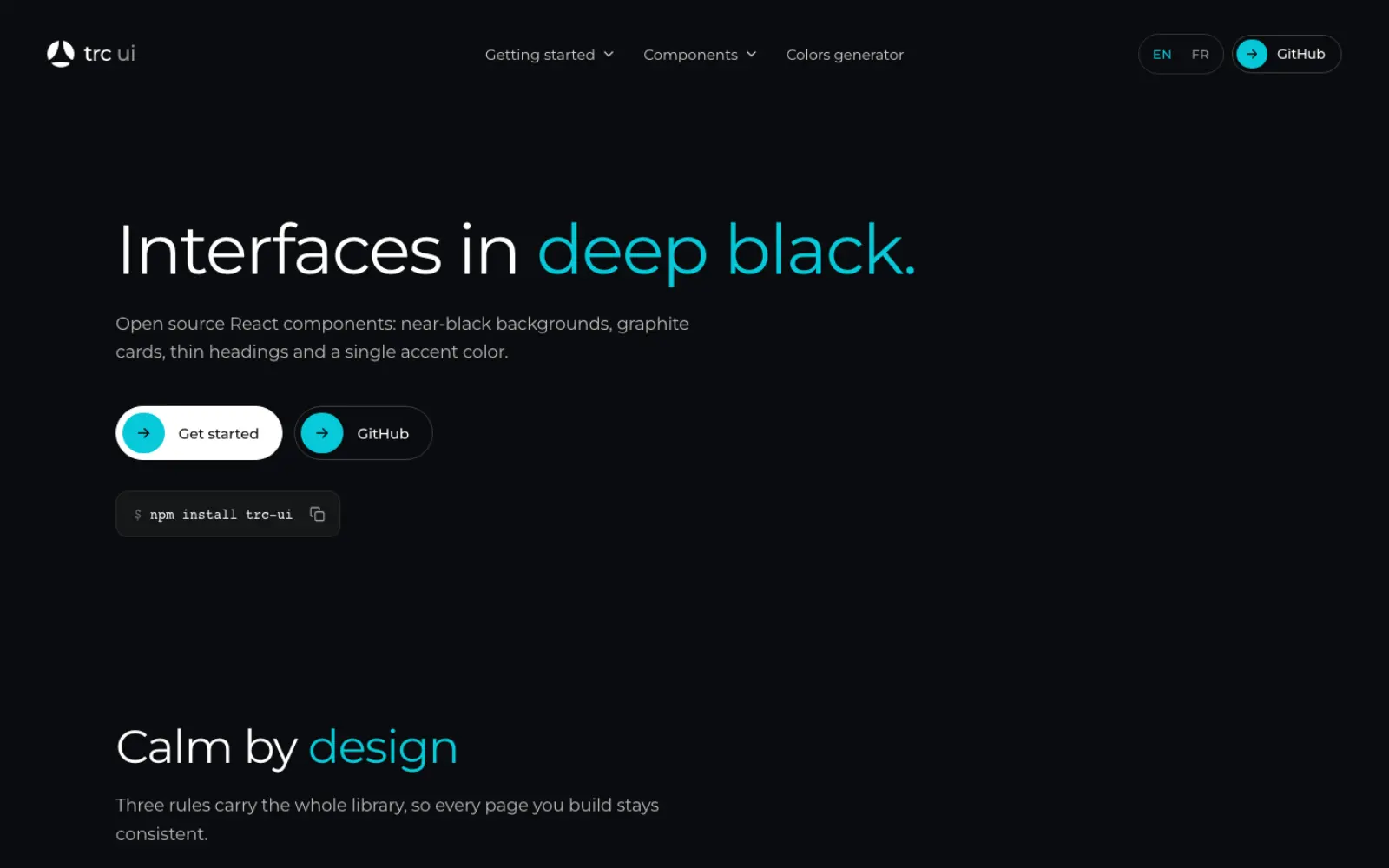
The website you are reading is built with a style we call "deep black": near-black backgrounds, graphite cards, thin headings and a single accent color. We first developed it for our own projects. Today we are releasing it as open source under the name trc ui, a React component library available on npm under the MIT license.
What you get
trc ui follows a few simple principles:
- Sober. Near-black backgrounds, graphite cards and one accent color. Depth comes from shades of grey, not shadows.
- Thin. Light Montserrat headings, with one accent word per title.
- Alive. Pill buttons that stretch, cards that wake up on hover, a header that blurs as you scroll.
- Accessible. Native form controls, labels and messages wired automatically, keyboard focus everywhere and reduced motion respected.
- Light. No runtime dependency besides React, and a single stylesheet you can theme with CSS variables.
Installation
trc ui requires React 18 or later.
npm install trc-uiImport the stylesheet once, at the root of your app, and add the trc class to <body>:
import "trc-ui/styles.css";

export default function RootLayout({ children }: { children: React.ReactNode }) {
  return (
    <html lang="en">
      <body className="trc">{children}</body>
    </html>
  );
}
The design relies on the Montserrat font (weights 300, 400 and 500), which is not bundled. With Next.js, load it with next/font:
import { Montserrat } from "next/font/google";

const montserrat = Montserrat({
  subsets: ["latin"],
  weight: ["300", "400", "500"],
  variable: "--font-montserrat",
});
// <html className={montserrat.variable}>
Then point trc ui to it:
:root {
  --trc-font: var(--font-montserrat), ui-sans-serif, system-ui, sans-serif;
}
Without Next.js, a Google Fonts <link> is enough: trc ui uses "Montserrat" by default.
First components
Headings give the accent color to the words between asterisks:
import { Heading, PillButton, Text } from "trc-ui";

export function Welcome() {
  return (
    <section>
      <Heading as="h1" size="display">
        Welcome to *deep black.*
      </Heading>
      <Text size="lg">The words between asterisks take the accent color.</Text>
      <PillButton solid>Get started</PillButton>
    </section>
  );
}
The library covers the essentials of a marketing website: headings and text (Heading, Text, AccentText, StepNumber), pill buttons (PillButton, PillLink), cards and sections (Card, Section, Container), forms (Field, Input, Textarea, Select, Checkbox, Switch), header and footer (SiteHeader, SiteFooter) and photo or video heroes (PageHero, HeroVideo, BackToTop).
With a router
Links accept your router's link component: as on PillLink and Card, linkAs on SiteHeader and SiteFooter.
import Link from "next/link";
import { PillLink } from "trc-ui";

<PillLink as={Link} href="/pricing">
  See pricing
</PillLink>;
Components ship with the "use client" directive and work as-is in the Next.js App Router.
Changing the accent color
Every color, radius and motion setting is a CSS variable prefixed with --trc-. To change the accent:
:root {
  --trc-accent: #d41367;
  --trc-on-accent: #ffffff; /* text on the accent: near black by default */
}
Variables cascade, so you can also theme a single area, for example <div style={{ "--trc-accent": "#d41367" }}>. The documentation includes a colors generator that builds a ten-shade scale from your brand color, checks contrast on deep black and gives you the code.
Browser support
trc ui uses color-mix() and :has(): Chrome and Edge 111+, Safari 16.2+, Firefox 121+.
Going further
- Documentation and demos: ui.theringconcept.com
- Source code: github.com/aa404/trc-ui
- npm package: trc-ui
Issues and pull requests are welcome. And if you build with Flutter, trc ui also comes as a Flutter version.
